apps built
JBM
Web app
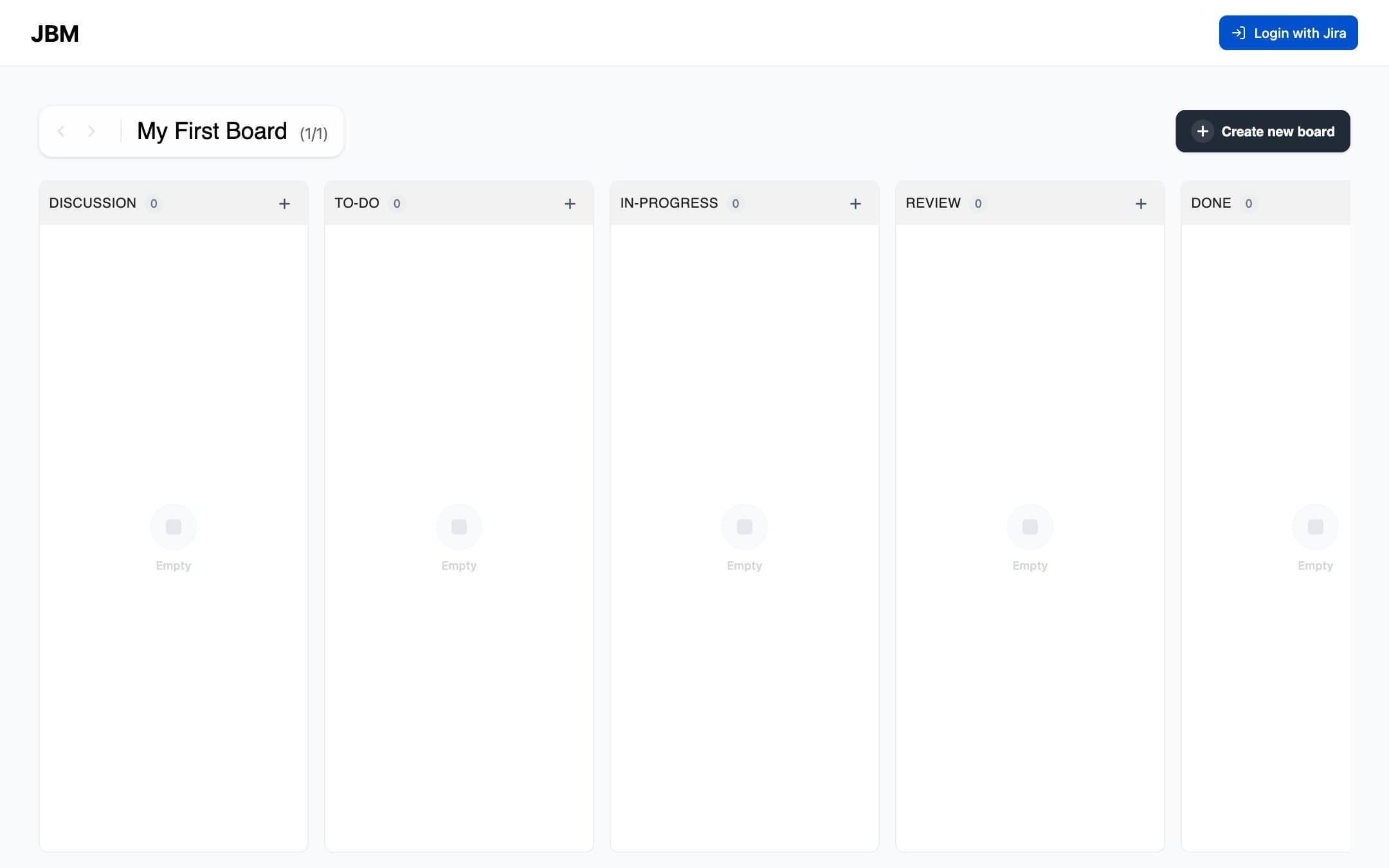
Jira Board Manager puts Jira tickets on your own Kanban boards, outside Jira. Create as many boards as you need, rename them inline and flip between them with the arrow controls.
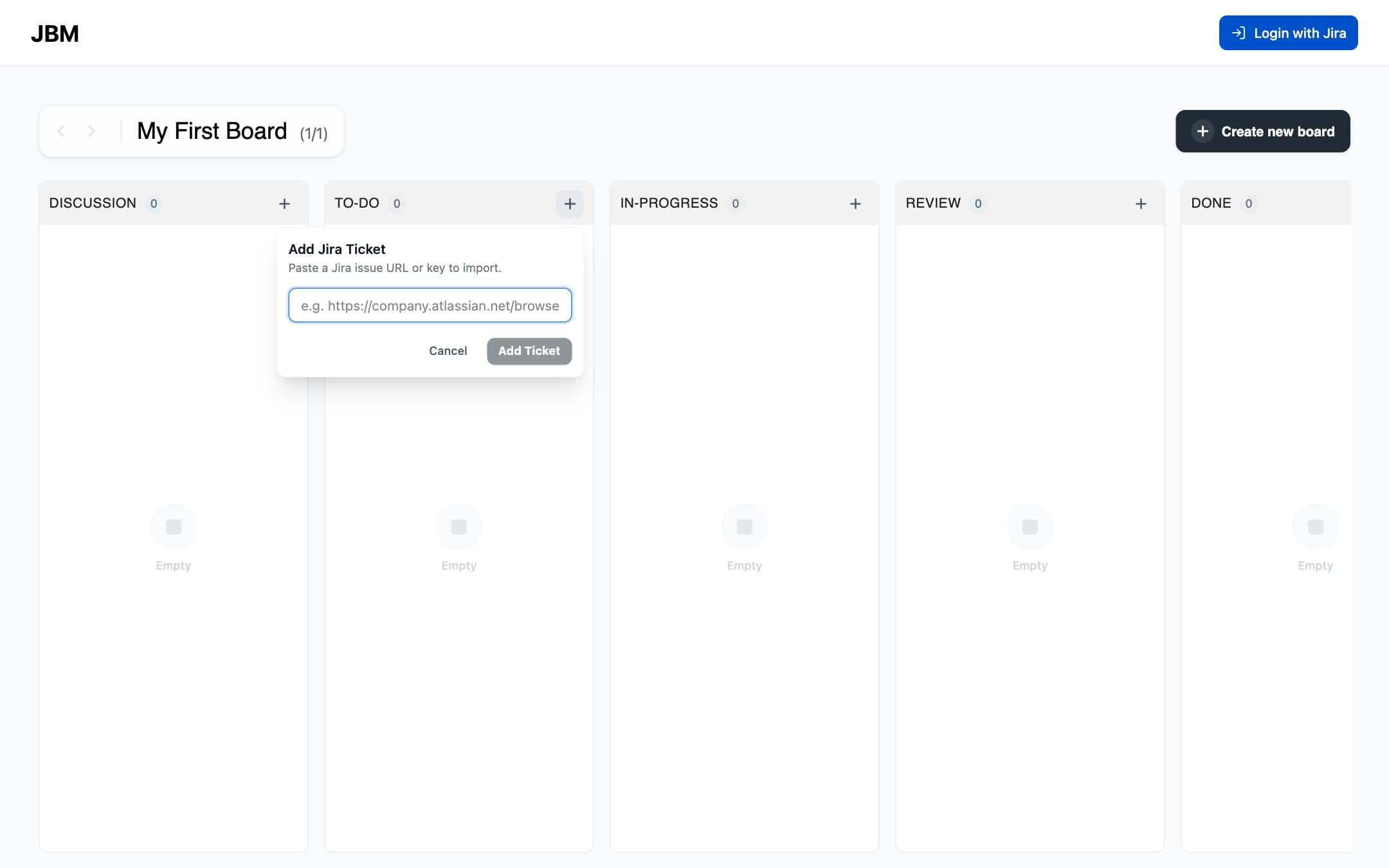
Every board has five columns: Discussion, To-Do, In-Progress, Review and Done. Paste a Jira issue URL or key into any column to pull the ticket in over Jira OAuth, then drag cards between columns. Clicking a card opens the original ticket.
Made with React, Supabase and Jira OAuth
01 / 02